Formatting
US /'fɔ:mætɪŋ/
・UK /'fɔ:mætɪŋ/
B1 中級
v.t./i.動詞 (及物/不及物)將 (格式)統一
Are you formatting the text with 16pt headers and bold section heading?
v.t./i.動詞 (及物/不及物)(電腦)格式化
I'm afraid you hard drive needs formatting, the virus has affected it badly
影片字幕
如何用英語寫一封完美的求職信|商務英語課程第2課時 (How to write a perfect cover letter in English | Business English Course Lesson 2)
10:50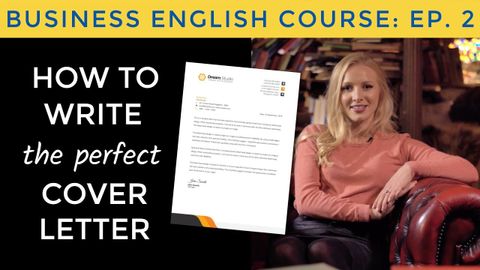
- Always send it as a PDF file, as you don't know whether the recruiter will be using Windows or Mac, and a PDF will open on both and the formatting will stay the same.
一定要以 PDF 的檔案寄出,因為你不確定招聘者會用 Windows 還是 Mac 的系統, 而 PDF 在兩種都打得開, 且格式不會跑掉。
- and the formatting will stay the same.
且格式不會跑掉。
真愛挑日子One Day - Movie Review
07:40
- formatting anything for a seven just again like as i think it looks pretty
格式化的任何七隻是再次喜歡,因為我認為它看起來很漂亮
讀書技巧速成班:寫筆記 (Taking Notes: Crash Course Study Skills #1)
08:51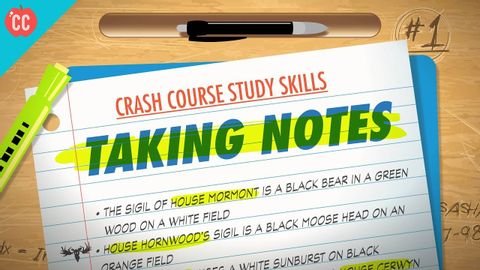
- So to prevent that from happening, use formatting tricks to make important details stand out when you’re reviewing them later on.
為了避免這種悲劇發生,你可以在之後複習時,利用改變字型格式等技巧,來凸顯重點
閱讀作業。速成班學習技巧#2 (Reading Assignments: Crash Course Study Skills #2)
09:54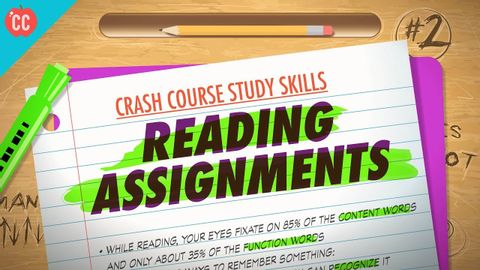
- A good way to spot these is to pay special attention to the first and last sentence of each paragraph, as well as any bolding, italics, or other formatting.
有個好方法可以找出這些重點,就是特別留意每個章節的第一句和最後一句,以及任何的粗體、斜體或是其他的文字格式
- Looking out for those little bits of formatting will also help you to remember what you read, which is what we’re going to shift our focus to now.
留意那些特殊格式也可以幫助你記得你讀了些什麼,也就是我們現在要接下來要談的主題
蘋果2019年WWDC活動11分鐘就能搞定 (Apple’s 2019 WWDC Event in 11 Minutes)
11:02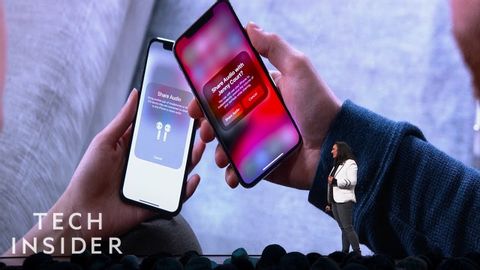
- Male gets desktop class text formatting controls, including support for rich fonts and notes, gets this beautiful new gallery view support for shared folders and much mawr.
男獲得桌面類文本格式控件,包括支持豐富的字體和筆記,獲得這個美麗的新畫廊視圖支持共享文件夾和許多毛。
谷歌幻燈片。幻燈片之間的鏈接 (Google Slides: Linking Between Slides)
03:58
- Notice that the text formatting has automatically changed.
注意,文字格式已經自動改變。
- But this formatting is helpful because it lets people know that this text is clickable.
但這種格式化是很有幫助的,因為它讓人們知道這個文本是可以點擊的。
在移動設備上使用Google Docs (Using Google Docs on a Mobile Device)
02:35
- At any point, we can select the edit button in the bottom right, and we can edit text images, formatting and more.
在任何時候,我們都可以選擇右下角的編輯按鈕,我們可以編輯文字圖片、格式等。
Gmail。發送電子郵件 (Gmail: Sending Email)
03:35
- Finally, we can add various types of formatting to the body of the email, for example, it would be good to format.
最後,我們可以在郵件的正文中添加各種類型的格式,例如,格式化就好。
- If you want, you can click change to change the display text to something different You can also use thes buttons to add other formatting like colors, fonts and bulleted or numbered lists.
如果你願意,你可以點擊改變來改變顯示的文字。你也可以使用這些按鈕來添加其他格式,如顏色、字體和項目符號或數字列表。
谷歌文檔:頁眉和頁腳 (Google Docs: Headers and Footers)
03:03
- Since most professional and academic documents follow similar formatting for the header and footer, check with your manager or teacher about what they'd prefer there.
由於大多數專業和學術文件的頁眉和頁腳都遵循類似的格式,是以,請與您的經理或老師聯繫,瞭解他們更喜歡那裡的格式。